
Last updated: October 16, 2026
In a survey of accounting software buyers run in August 2025 and published in January 2026, 36% said they only found a better solution after they'd bought software that didn't meet their needs (Capterra's Accounting Software Buyer Trends report for 2026).
Read that as a content problem. More than a third of buyers needed information they couldn't find until it was too late. Your pages could have given it to them before they signed.
This guide covers the pages that do that job for bookkeeping, close, AP, tax and practice management software. It's written for the marketer or founder deciding what to build next, not for someone hiring an agency. It walks through real pages from accounting software companies, what each one does well, and where it could mislead a buyer or an AI assistant.
The short version
If you only build six page types this year, build these, in roughly this order:
Integration pages for the ledger and ERP your buyers already run.
Comparison and alternatives pages against QuickBooks, Xero and your real rivals.
Use-case pages split by buyer, so a CPA firm and an in-house controller don't land on the same copy.
Pricing and ROI content that answers "what will this cost us?" in public.
Tax-season and compliance pages that are correct for the current year.
Answers built for the prompts buyers type into ChatGPT and Gemini.
Blog posts about "5 tips for a faster close" still have a place. They just rarely book a demo on their own.
Why accounting software content is different
Most B2B SaaS playbooks assume one buyer and one funnel. Accounting software breaks that in three ways.
First, there are two buyers who use the same words. A controller at a 200-person company searching "close software" and a partner at a 12-person CPA firm searching "practice management for accountants" both say "accounting", but they want different products, prices and proof.
Second, the incumbents show up in every search. Even if your product only syncs with QuickBooks or Xero, buyers will search with those names in the query. Your page has to say whether you replace the ledger, sit beside it, or serve people who've outgrown it.
Third, the subject is YMYL. A wrong tax threshold or a stale filing deadline isn't just embarrassing. It can cost a reader money, and Google treats finance content with extra suspicion. The guide to E-E-A-T for YMYL fintech content covers the trust signals that matter here.
Put those together and you get the rule for this whole guide: every page should help a specific buyer make a specific decision, with facts a CPA would sign off on.
1. Integration pages
For accounting tools, the integration question is usually the first real filter. If you don't connect to NetSuite, Sage Intacct or QuickBooks Online, a large share of buyers are out before they read anything else.
What a good one looks like
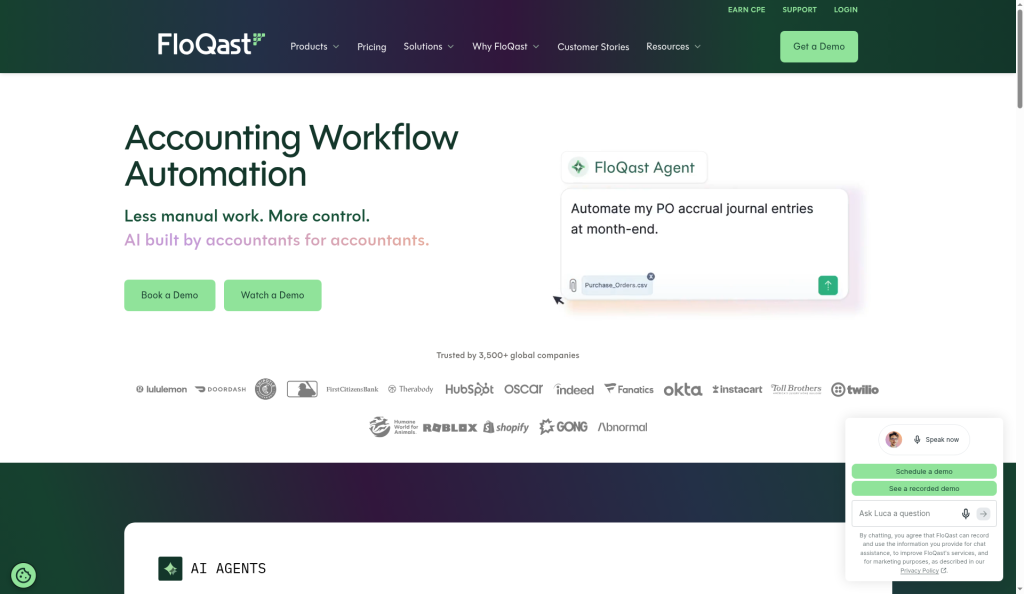
FloQast, which sells close management software, runs its integrations section by ERP. The site navigation lets you pick NetSuite, SAP, Workday, Microsoft, Sage Intacct or Xero, and the integrations page says FloQast "offers direct integrations with the industry's leading ERP systems." A controller can get straight to "does it work with what we run?" without a sales call.
Xero takes the marketplace route. Its app store at apps.xero.com lists the apps that connect to the ledger, and its QuickBooks comparison page leans on that breadth, citing "1000+ app integrations."
How to build yours
One page per integration that matters, not a logo grid. Each page should cover:
what syncs, in which direction, and how often;
what doesn't sync, stated plainly;
setup time and who has to be involved (IT, the controller, an outside accountant);
the workflow it replaces, in the buyer's words ("no more exporting the trial balance to Excel");
a short FAQ with the questions your support team hears most.
The query people type is rarely "[your brand] NetSuite integration." It's closer to "close software that integrates with NetSuite" or "AP automation for Sage Intacct." Title and describe the page for that.
What to watch out for
Don't publish integration pages for connectors that are really just a Zapier recipe without saying so. Buyers find out in the demo, and the trust you lose there is hard to win back. Also watch for help-center articles that describe the integration better than the marketing page does. If those docs aren't indexable, Google and AI assistants never see the most accurate description you have.
2. Comparison and alternatives pages
These are the highest-intent pages most accounting software companies have. Someone typing "Xero vs QuickBooks" or "QuickBooks alternative" is choosing, not learning.
The general playbook for building comparison pages applies here too, so this section sticks to what's specific to accounting.
Real examples worth studying
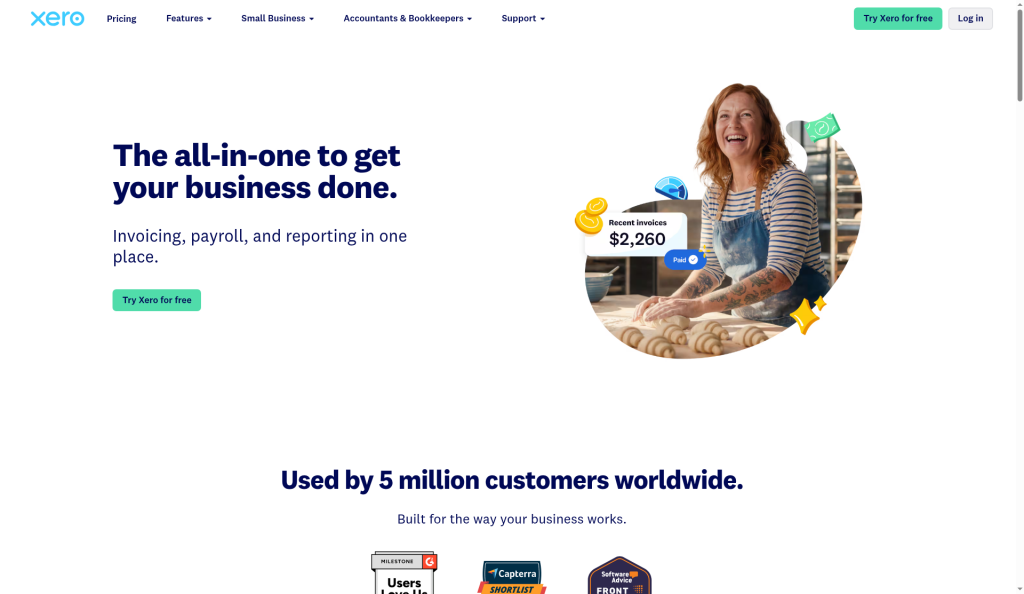
Xero's US page, "Xero vs QuickBooks: which is right for you?", builds the whole argument around one difference: "every Xero plan includes unlimited users at no extra cost." It repeats the point in a section for accountants and bookkeepers, because the advisor who has to log in to a client's books is a real cost on per-user plans. One clear, checkable difference beats a 40-row feature table.
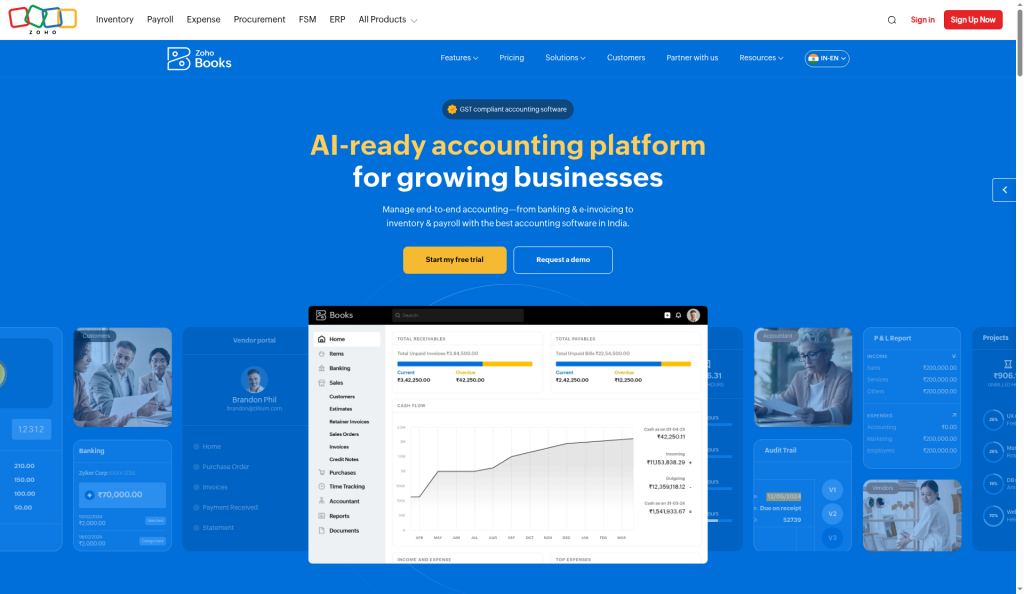
Zoho Books goes further on pricing. Its US QuickBooks alternative page includes a row for "No. of price hikes since 2022" with Zoho Books at 0 and QuickBooks Online at 4. Whatever you think of the framing, it's specific, and it speaks to a fear that small-business buyers actually have.
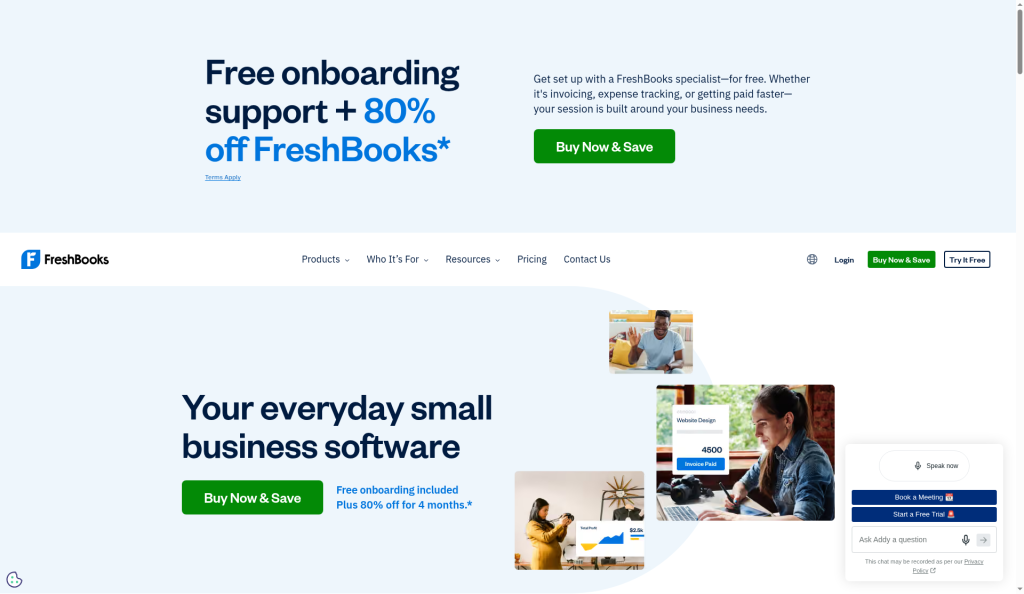
FreshBooks' "FreshBooks vs. QuickBooks" page shows a risk. It supports its usability claim with a quote from a report dated 2022. On a page that buyers read in 2026, a four-year-old stat weakens the argument it's meant to support.
How to build yours
Write one page per rival that buyers actually compare you to. Check your sales call notes, not your wish list.
Lead with the one or two differences that change the decision, then give the table.
Say who should pick the competitor. It's the most persuasive line on the page, because it shows you're not hiding anything.
Date your claims, and put the comparison on a review calendar. Prices and plan limits in this category change every year.
Include migration: what moves over, how long it takes, and whether you help. Xero and Zoho both offer migration help on their comparison pages, because "switching is painful" is the main objection.
What to watch out for
A comparison page that names a competitor's price is a promise to keep it current. If QuickBooks changes its plans and your page still shows last year's numbers, you're the one who looks careless. Also avoid unverifiable superlatives. Canopy's homepage FAQ calls it "the only practice management platform rated #1 by G2" that consolidates its list of features. That may be accurate, but it's the kind of claim a buyer, or a reviewer at Google, will check.
3. Use-case pages by buyer and firm type
This is where most accounting software sites are thinnest. They have one "Solutions" page with five icons, and every buyer gets the same copy.
Split by who's buying
At minimum, separate:
in-house finance teams (controllers, CFOs, AP managers) buying for their own company;
accounting firms buying to run client work;
the firm buying on behalf of a client, which is common for bookkeeping and payroll tools.
Within firms, split again by firm type where the product genuinely differs: tax-focused practices, bookkeeping and client advisory services (CAS) firms, and multi-office firms. TaxDome's homepage, for example, describes itself as a platform for "tax, bookkeeping, and full-service accounting firms," and its practice management guide has a section on the best software "by firm type and use case," with separate takes for small firms, bookkeeping firms and growing firms.
What each page needs
The job that firm type does every month, in their language (monthly close, organizer collection, extension season).
The two or three features that matter for that job, not all forty.
A real customer from that segment, with a result they've agreed to publish.
Pricing context that fits the segment. Per-user pricing reads very differently to a solo bookkeeper than to a 30-person firm.
What to watch out for
The fastest way to ruin these pages is to clone one template and swap the noun. "Built for bookkeepers" and "Built for CPA firms" with identical paragraphs is thin content, and both Google and buyers can tell. If you can't say something different for a segment, you don't need a separate page for it yet.
4. Pricing and ROI content
Finance buyers are, unsurprisingly, the people most likely to want the numbers up front. Hiding them behind "Contact sales" doesn't stop the question. It just sends the buyer to a review site or an AI assistant to guess.
Pricing pages and pricing content
If you can publish prices, do it, and explain what drives the total: users, entities, clients, transaction volume. If you sell custom contracts, publish the ranges and the factors. TaxDome's category guide is a useful model here even though it's a blog post. It lists its own plans per user per month, billed annually, and states its own cons ("No free trial in the US", "Annual pricing only") in a pros and cons table.
ROI content
FloQast publishes an ROI calculator page. That's the right instinct: let a controller model hours saved on the close before they talk to anyone.
A good ROI page or calculator:
uses inputs the buyer knows (number of entities, accountants, days to close);
shows the formula, so a finance person can check it;
gives a conservative default instead of the best case;
separates hard savings (fewer contractor hours) from soft ones (less stress during the close).
What to watch out for
ROI claims are where accounting software marketing most often overreaches. "Close 50% faster" with no baseline, sample size or date won't survive a CFO's first question. If you quote a customer result, name the customer, give the period, and say what changed. If you can't, describe the result in words.
5. Tax-season and compliance pages
These pages have a calendar. They spike in the weeks before a deadline and go quiet after. Build them early, update them every year, and never let last year's version compete with this year's.
A real example
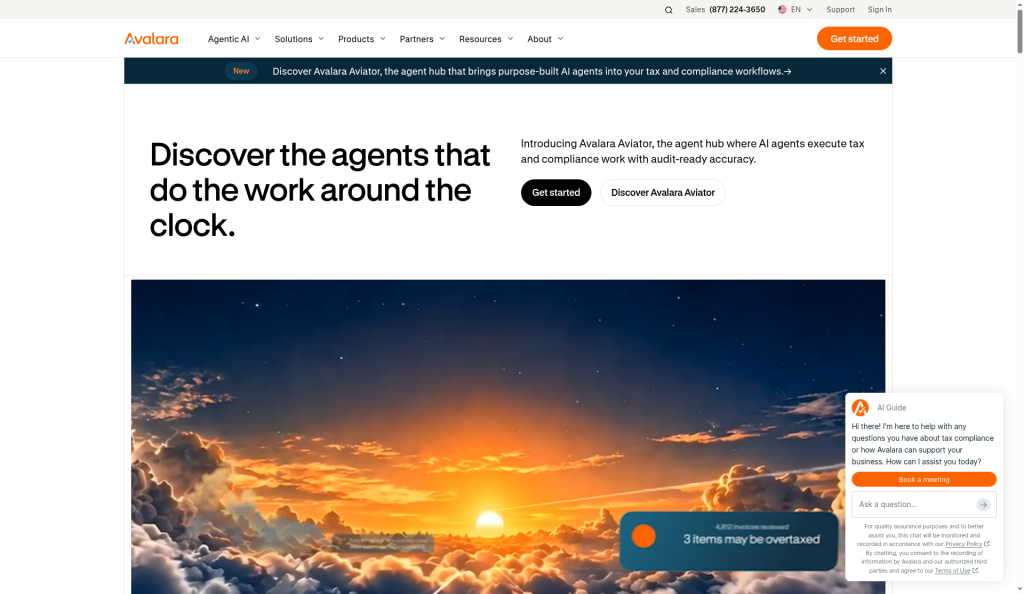
Avalara, which sells sales tax software, publishes a "2026 US Sales Tax by State" page and a set of free tools alongside it, including a sales tax calculator, rate tables "updated each month", and an economic nexus self-assessment. Each one answers a question a finance person has before they're ready to buy, and each one leads naturally into the product.
How to build yours
Pick the compliance moments your product touches: 1099 season, sales tax filing, year-end close, audit prep, a new e-invoicing mandate in a market you serve.
Build one evergreen URL per topic and update it in place each year, rather than publishing "2025 guide," "2026 guide," and so on as separate pages.
Put the year, the last-updated date and the reviewer on the page.
Link from the guide to the specific feature that handles the task, with a plain next step.
What to watch out for
Stale years are the most common problem on accounting sites. An old tax-year post that still ranks can outrank the current one and send readers outdated thresholds. When you update, redirect or consolidate the old URL. And keep a clear line between explaining what your product does and giving tax advice. A page can say "the software calculates and files 1099-NEC forms." It shouldn't tell a reader what to file.
6. AEO for buyer prompts
Buyers now ask AI assistants the questions they used to type into Google. "What's the best close software for a NetSuite company with five entities?" "Is Xero better than QuickBooks for a bookkeeping firm?" Those answers are built from pages that state facts clearly.
The mechanics are covered in how to get recommended by ChatGPT. For accounting software, a few things matter most.
Write the answer, not just the page
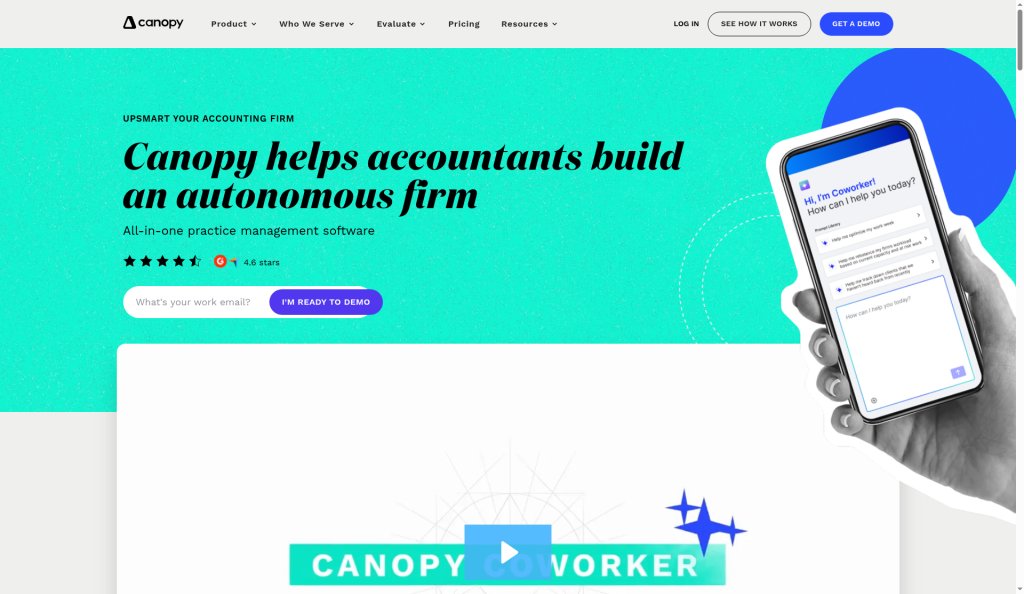
Canopy's homepage FAQ includes the question "How is Canopy different from Karbon, TaxDome, or other practice management tools?" and answers it in a few sentences. That's exactly the shape of a buyer prompt. An assistant looking for a direct comparison has a quotable answer.
Do the same for the prompts your buyers ask:
"[category] for [firm type or company size]";
"[your product] vs [competitor]";
"does [your product] integrate with [ERP]";
"how much does [category] cost";
"best [category] for [specific job]."
Answer each in two or three plain sentences near the top of the relevant page, then support it below.
Keep facts consistent everywhere
AI assistants pull from your site, review profiles, app marketplaces and partner directories. If your pricing page says one thing and your Xero marketplace listing says another, you'll get a confused answer. Check the facts that matter (price range, ideal customer, integrations, entity limits) across every profile at least once a quarter.
What to watch out for
Don't write pages that try to be the tax answer. Assistants will still get tax questions wrong, and you don't want your brand quoted as the source of a wrong ruling. Explain what the product does and doesn't do, and leave the advice to the reviewer with a CPA license. For more on how AI answers differ from classic search results, see the explainer on answer engine optimization.
The self-ranking category guide: useful, but handle with care
One page type sits between blog and bottom of funnel: the "best [category] software" guide published by a vendor in that category.
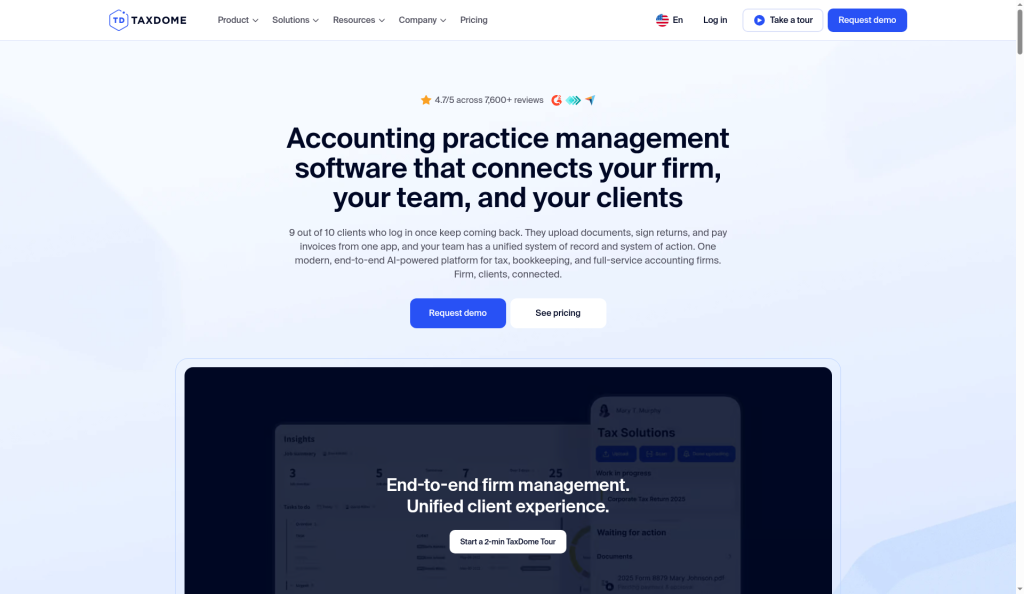
TaxDome's accounting practice management guide, dated 7 September 2026, is a strong example of the format. It's long, it compares 12 tools with prices, it has a section by firm type, and it's marked "Reviewed for accuracy by" a named CPA. It also ranks TaxDome first.
That's normal in software marketing, and it can work. Buyers searching "best practice management software" will find it, and the competitor details make it genuinely useful. But it has real risks:
buyers know you're grading your own homework, so the page has to earn trust with fair cons for every product, including yours;
competitor prices and ratings go stale fast, and wrong facts about a rival are worse than no facts;
if the page reads like an ad, AI assistants and reviewers are more likely to discount it.
If you build one, disclose that you're the vendor near the top, cite where each competitor fact came from, and put it on the same review calendar as your comparison pages.
How to prioritize, by situation
You're early, with a few dozen customers
Start with integration pages for your top two connectors and one comparison page against the product you lose to most. Those two page types will book more demos than a year of top-of-funnel posts.
You sell to both firms and in-house teams
Fix the split first. One set of use-case pages for each buyer, with different examples and pricing context. Then build comparisons.
Your category has a tax calendar
Plan the compliance pages three months before the season, assign a named reviewer, and decide now which old URLs get redirected.
You're losing deals on price
Publish pricing or pricing ranges, and build an ROI page with a formula a CFO can check.
You're invisible in AI answers
Audit the buyer prompts above, add direct answers to the pages that should own them, and make your facts match across every profile.
You're handing the work to an outside team
Ask who reviews tax and compliance claims, how often comparison pages get re-checked, and which page types they'd build first for your buyer. Miraa's page on accounting SEO describes one version of that engagement. For finance-adjacent products more broadly, the fintech SEO guide covers the rest of the funnel.
A checklist before any page ships
Does it answer one buyer's decision, and is that buyer obvious from the title?
Is every price, limit and integration claim current, dated and sourced?
Would a CPA sign every sentence that touches tax or compliance?
Does it say who the product isn't for?
Is there one clear next step that fits the reader's stage?
Does the page compete with an older URL on your own site?
FAQ
What's the best content for accounting software companies?
Bottom-of-funnel pages: integrations, comparisons and alternatives, use cases by buyer type, pricing and ROI, and current-year compliance guides. These answer the questions buyers ask right before a demo.
Should accounting software companies publish pricing?
If you can, yes. Finance buyers expect numbers, and if you don't give them, review sites and AI assistants will guess. If you sell custom contracts, publish ranges and the factors that change the price.
How do I compete with QuickBooks and Xero in search?
Don't try to outrank them on their own brand. Build honest comparison and alternatives pages around the differences that matter to your buyer, and integration pages if you work alongside them.
How often should tax and compliance pages be updated?
At least once a year before the relevant season, and immediately when a rule changes. Update one URL in place and redirect older versions.
How do I get my accounting software recommended by AI assistants?
Answer buyer prompts directly on the pages that should own them, keep your facts consistent across your site and third-party profiles, and avoid writing pages that pretend to give tax advice.