
Last updated: October 23, 2026
When an outdated source said exactly when it stopped applying, the open-weight model Qwen2.5-72B dropped the old answer for the current one in all 50 test cases. Given only the dates, the four models in that test changed course only a little. That comes from a study posted September 25, 2026 that used 50 verified cases where official sources record when an old recommendation ended. ChatGPT wasn't one of the four models, so treat this as a finding about AI assistants in general.
My verdict: you can't edit what ChatGPT says about your company, but you can change the evidence it reads. When you find a wrong answer, look in three places: a stale page (often your own), a third-party page that never got updated, and old training data. Fix the pages first, say plainly what changed and when, then retest. Leave the feedback buttons for last.
Why ChatGPT gets your company wrong
ChatGPT answers from two places, and the fix depends on which one produced the error.
The first is what the model learned in training. OpenAI's help center says that without search, "responses are based on what the model has learned during training," and that the model doesn't know about events after its knowledge cutoff unless it uses tools (OpenAI Help Center, checked October 20, 2026). Memory still matters when search is on. Mahe Chen and Nick Koudas of the University of Toronto sent the same 651 US home internet questions to ChatGPT through OpenAI's API, with web search turned on, once a day between June 24 and September 21, 2026. When ChatGPT named a brand the question didn't mention, no cited page supported it in 46% of those mentions. That's one consumer market, measured through the API rather than the ChatGPT app, so read it as a sign of how much the model leans on memory, not as a rate for software.
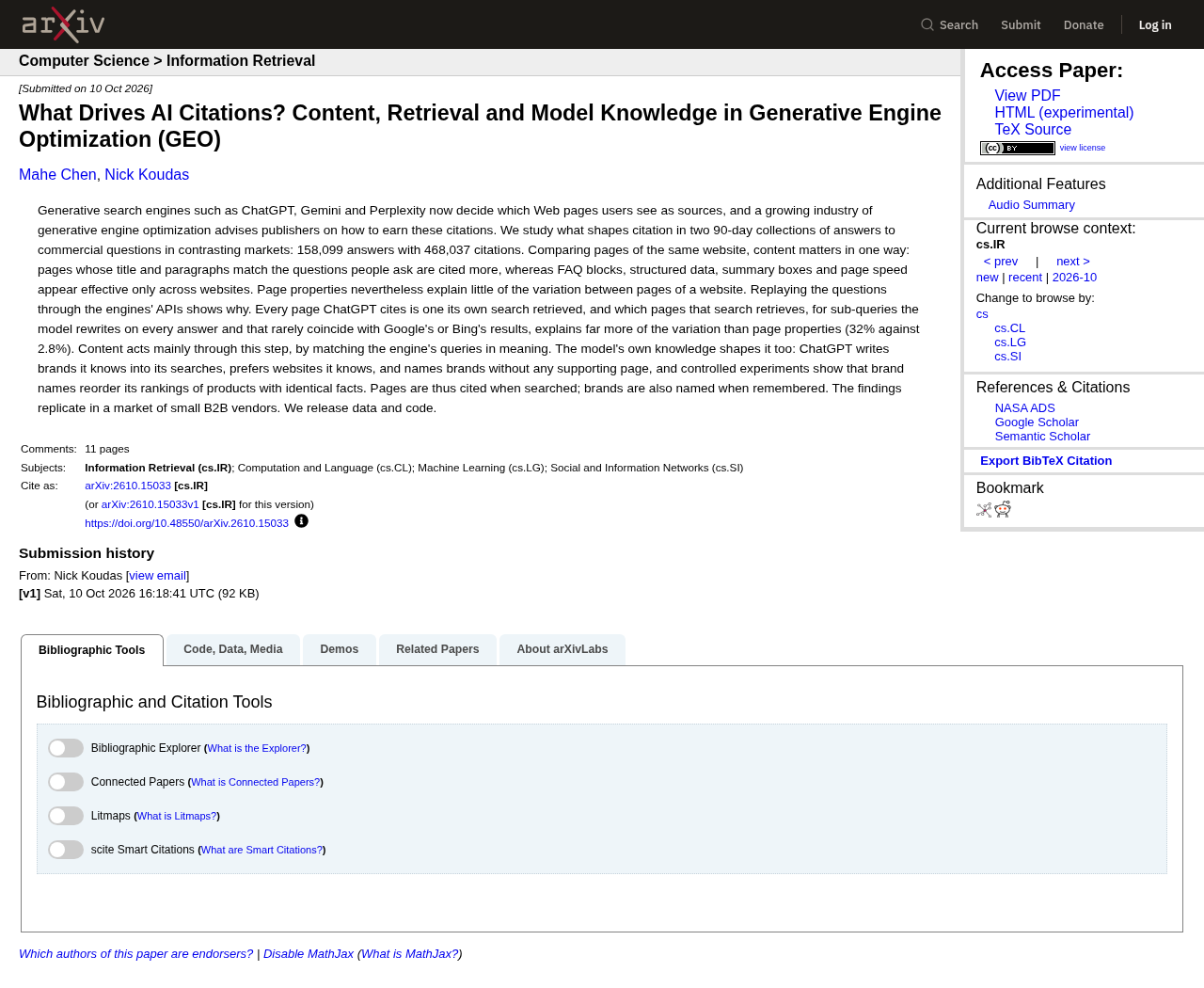
The second is the web. ChatGPT searches automatically when a question would benefit from current information, and OpenAI warns that "search results and citations can be incomplete, outdated, or incorrect." If the page it finds is stale, the answer will be too.
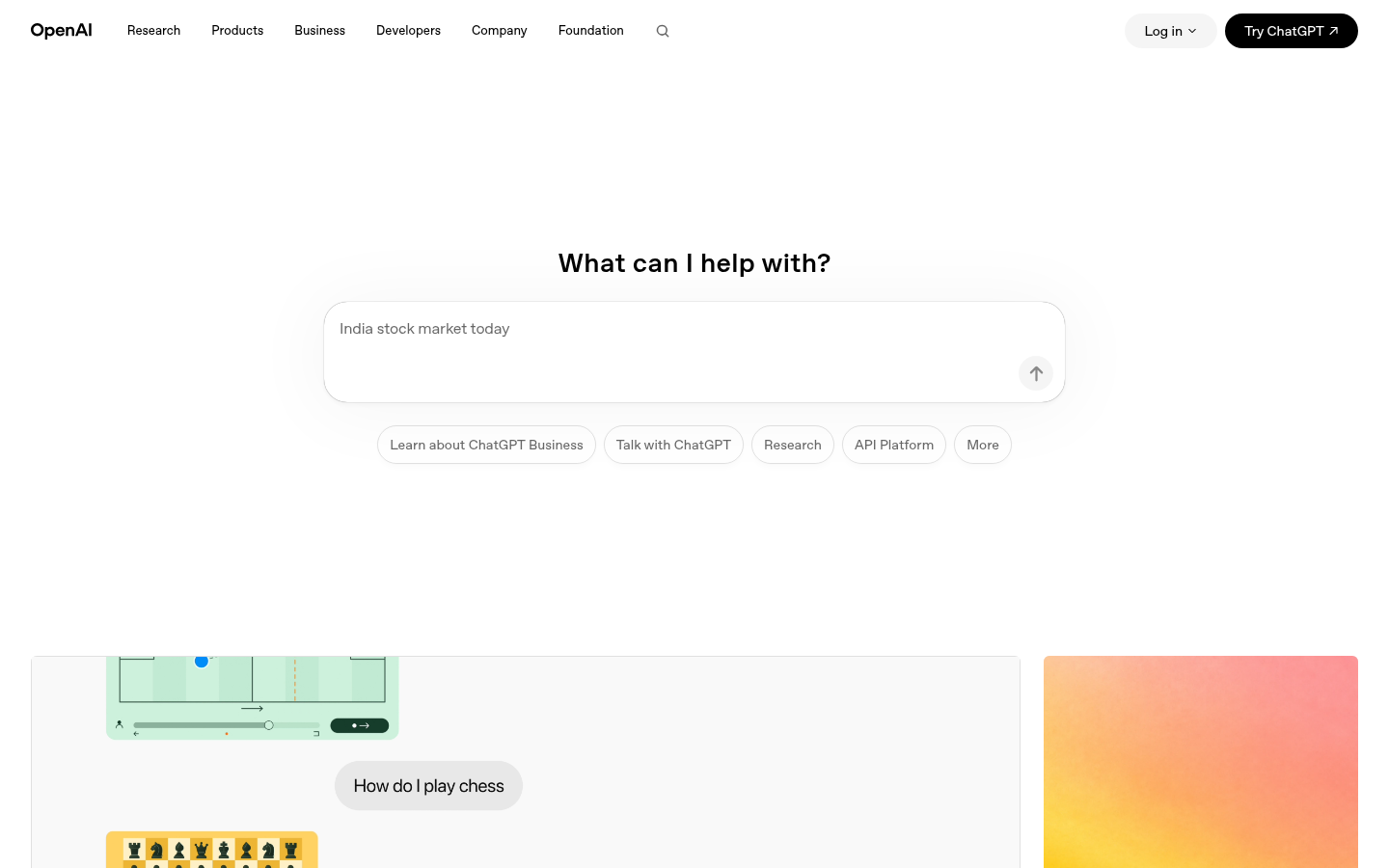
The study from the opening, "Stale-Document Poisoning" by Md Shamim Ahmed, Lukas Galke Poech and Richard Röttger of the University of Southern Denmark, shows why one stale page is enough. Across four open models (Qwen2.5 and Llama 3.1, small and large), a single outdated document overturned answers each model had gotten right on its own. Software and API questions held up best, and still 17% to 35% of correct answers flipped when the models were told to follow the document. In the paper's medical tests, matched up-to-date documents were followed 97% to 100% of the time.
Keep the limits in mind. All of this was measured on open models in a controlled lab setup (the 50-case test gave them just two answer options to pick from), not on ChatGPT in a live chat. The paper did run one OpenAI model, GPT-5.5, through the API on June 27, 2026, in a separate stress test: one outdated document overturned 74 of the 83 medical answers it had gotten right without help. Its software sample was tiny (2 flips out of 18), so it tells you nothing reliable about SaaS questions. The broader pattern still applies to you: models tend to follow the evidence put in front of them, so you want the current version to be what they find.
The wrong answers you'll see most
Error type | What it looks like | Usual source | First fix |
|---|---|---|---|
Stale pricing | Last year's plans, prices or limits | An old pricing page, launch post or third-party roundup | Update or retire the old page, state what replaced it |
Merged with a competitor | Their feature or limitation attached to you | Comparison pages that blur vendors | Ask the publisher to correct it, publish your own clear comparison |
Outdated features | A retired feature, or a "missing" one you shipped | Old docs, changelogs, reviews | Fix docs, update review profiles |
Wrong category | Listed as a tool for the wrong buyer or job | Old positioning still live on your site or directories | Align category wording everywhere |
Invented details | A certification, integration or number you never published | Gaps the model fills from similar companies | Publish the real answer to the question buyers ask |
Invented details usually start with a gap. If buyers ask whether you integrate with a specific tool or hold a certain certification, and your site never says, the model has nothing to quote and may guess.
Step 1: Diagnose the answer
Find out where the wrong fact came from before you change anything.
Ask the question the way a buyer would, in a fresh chat. Save the answer and the date.
Check for citations. OpenAI says responses that use web search "may include citations," and that you can select Sources to see them. If the wrong fact sits next to a citation, open it.
If there are no citations, ask again and request a web search. OpenAI suggests asking ChatGPT to "search again using a specific source, date, or location" when a result looks wrong. If the error disappears with search, the problem is mostly memory. If it persists, a page is feeding it.
Run each prompt a few times. Answers vary between runs, and one bad answer may be noise.
Log every source cited next to each wrong fact, and work through that list in order. Once the urgent errors are fixed, our guide to measuring AI search visibility explains a monthly accuracy score for these answers.
Step 2: Fix your own pages first
Your site is the source you control, and it's often the culprit. Search your domain for the wrong fact: old pricing pages, launch announcements, help articles, PDFs, partner pages and archived blog posts.
For each page that carries an old fact, do one of three things:
Update it in place if the page still has a job.
Redirect it to the current page if it doesn't.
Add a clear note if it must stay live for history: what changed, the date it changed, and where the current information lives.
The opening study is the reason to word that note carefully. The models in that test didn't reliably treat a dated document as outdated just because time had passed, but the two larger ones switched almost every time when the text said when it stopped applying. So write "The Starter plan replaced Basic on March 1, 2026. Basic is no longer sold," instead of just putting a new date at the top of the page.
The same paper tested a retrieval ranker that favored newer documents, with Qwen2.5-7B and OpenAI's GPT-4o answering. It cut wrong answers only when dates were accurate. With dates missing it barely helped, and with wrong dates it could make things worse. Keep the dates on your pages truthful.
Step 3: Build one canonical facts page
Put your company's key facts in one place, in plain text, so they're hard to misquote:
What the product does and who it's for, in one or two sentences
Current plans and prices, with the date they took effect
Main integrations, listed by name
Certifications and compliance, with dates
Notable changes: renames, retired plans or features, acquisitions
What you don't do, if buyers often assume you do
Use exactly the same wording for these facts on your homepage, pricing page, docs and review profiles. When every page says the same thing, an engine finds one version and has nothing to choose between. Link the facts page from your footer or About page so it's easy to reach.
Step 4: Correct the third-party pages
If a citation points to someone else's page, ask them to fix it. Start with the pages that show up most often in your diagnosis log.
Review sites: update your profile, plans and screenshots, and reply to outdated reviews with a short correction.
Directories and marketplaces: refresh descriptions, categories and pricing.
Comparison and roundup posts: email the author with the specific wrong line, the correct fact and a link to your facts page. Keep it short and factual.
Partner docs: send partners the current integration details.
Not everyone will reply. Put your effort into the few pages ChatGPT actually cites, not every mention on the web.
Step 5: Check that ChatGPT can reach your site
If ChatGPT's search can't fetch your pages, it can't use your corrections. OpenAI lists "lack of access" among the reasons answers go wrong, including preferences set via robots.txt. Make sure OAI-SearchBot is allowed and that your firewall doesn't block it. The crawler setup is covered step by step in our ChatGPT playbook.
Step 6: Use feedback, with realistic expectations
You can flag a bad answer with the thumbs-down button. On individual plans, OpenAI's data page says that if you submit feedback, "the entire conversation associated with that feedback may be used to train our models" (OpenAI Help Center). On Business, Enterprise and Edu plans, the same page says feedback doesn't permit training on the conversation. Either way, a thumbs-down feeds future training at most and doesn't ask anyone to correct that answer. None of the OpenAI help pages linked here describe a process for a company to correct how ChatGPT describes it. Use feedback, but don't count on it.
Retest, and how long fixes take
Rerun your saved prompts weekly for the first month after a fix, then monthly.
Errors that came from a cited page can change once the page is updated and fetched again, so these move fastest.
Errors that come from memory may persist until the model is retrained or until search consistently finds better evidence. OpenAI doesn't publish a timeline for that, so don't promise your team one.
If an error keeps coming back with a citation, the cited page is still live somewhere. Check redirects, syndicated copies and cached PDFs.
What to do, by situation
If the wrong answer cites your own old page, update, redirect or annotate that page today. Errors from cited pages are the quickest to move.
If it cites a third-party page, send the correction request and update your own facts page so the engine has a better source to find while you wait.
If there are no citations at all, the error is probably coming from memory. Make the correct fact easy to find on your site and on the third-party pages that cover your category, then retest with search turned on.
If ChatGPT confuses you with a competitor, check for similar names, shared category pages and comparison posts that blur you together. Publish a plain comparison that separates the two, and ask the worst offenders to fix their pages.
If the error is about pricing, treat it as urgent. State current prices in text, note when the old ones ended, and update every review profile the same day.
What to watch out for
Publishing a page for every wrong prompt. Google's spam policies name scaled content abuse as a violation. Fix the underlying facts instead.
Changing dates without changing content. That doesn't make a page current, and the study above suggests dates alone don't move models much anyway.
Assuming one fixed answer means it's solved. Rerun the prompts.
Arguing with the chatbot. Correcting it inside a conversation may change that chat, but the source stays wrong.
Leaving contradictions live. With two versions of a fact on your own site, the engine has to pick one, and it may pick the old one.
Start with the pages you control
ChatGPT says wrong things about companies because it reads wrong things, or remembers old ones. You can't reach into the model, but you control most of what it reads about you. Fix your pages, say clearly what changed and when, clean up the third-party pages it cites, and retest. For the bigger picture, see our guide to answer engine optimization.