
Last updated: October 18, 2026
In research presented at a national HR conference in June 2026, drawing on survey responses from more than 6,000 HR professionals, 30% of HR leaders said they regret their most recent HR technology purchase (SHRM, 22 June 2026). The survey covers HR technology in general, not recruiting software on its own, but recruiting tools sit inside that budget.
Only 29% said they'd recommend their main HR technology platform to a company of similar size.
That's the mood your buyers bring to a search. Plenty of them have been burned before, so they compare carefully, read past the feature list, and do most of their research long before they book a demo.
This guide breaks down who searches for recruiting software, what they actually type at each stage, and which pages meet them there. It's for marketers and founders at ATS, sourcing, assessment, interview and agency software companies who want their content to win evaluations, not just traffic.
The one-paragraph answer
Recruiting software buyers search in four overlapping groups: talent acquisition leaders, HR operations and HRIS owners, hiring managers, and recruitment agency owners. Each group uses different words. Underneath all of them sits a much larger group that isn't buying at all: job seekers typing "ATS" because they want their resume to get through one. Your content plan works when every page is clearly built for one of the buying groups, and when none of your commercial pages accidentally chase seeker traffic.
Who's actually searching
Talent acquisition leaders
These are the heads of recruiting and TA directors who own the budget and the decision. Their searches are about outcomes and the category:
"best ATS for scaling startups";
"Greenhouse alternatives" or "Lever vs Ashby";
"recruiting software with built-in CRM";
"high-volume hiring software."
They're comparing. They want to know which products are realistic options for a company like theirs, and what it'll cost to switch.
HR operations and HRIS owners
These are the people who'll have to connect the new tool to everything else. Their searches are narrower and more technical:
"[ATS] Workday integration";
"ATS that syncs with BambooHR";
"SSO and SCIM for recruiting software";
"data migration from [current ATS]."
They often arrive late in the evaluation, sometimes as a veto. If your integration answer is vague, this is the person who kills the deal.
Hiring managers
Hiring managers rarely choose the ATS, but they use it, and they search constantly. Mostly they look for help doing the job:
"software engineer job description template";
"structured interview questions for sales roles";
"interview scorecard template."
That's top-of-funnel traffic, but it's not worthless. A hiring manager who used your template is a friendly voice when TA brings your name to a meeting.
Recruitment agency owners
Staffing firms and executive search shops buy different software, often an ATS and CRM in one, with client management, placements and sometimes timesheets. Their searches look like:
"recruitment CRM for agencies";
"best ATS for staffing agencies";
"executive search software."
Their buying process is shorter and more founder-led than a corporate TA team's. Pricing and ease of setup matter more.
The group that isn't buying
Search X or Google for "ATS" right now and much of what you'll see is aimed at job seekers. In the past few months on X alone, there's a stream of posts about "ATS-friendly CVs", resume rewriting tools and ChatGPT prompts for job applications. That's a large, active audience, and almost none of it will ever sign a contract with you.
If your product is a resume or career tool, that's your market. If you sell to employers, it's noise that can quietly take over your keyword reports.
How the search changes through an evaluation
Buyers don't search the same way from first idea to signed order. Here's the pattern that shows up again and again for recruiting software, with the page type that fits each stage.
Stage 1: Something's not working
The trigger is usually a specific pain: too many applicants to screen, slow scheduling, poor reporting, or a tool that hasn't kept up.
What they search: problem phrases like "how to reduce time to hire," "automate interview scheduling," or "screen high-volume applicants."
What to build: problem-to-solution guides that name the workflow, show how teams fix it, and point to the feature that handles it. Keep these honest. A guide that only says "buy our tool" won't rank, and won't be trusted.
Stage 2: Mapping the category
Now they know the type of tool they need and want to see the options.
What they search: "best ATS for [company type]," "recruiting software for [industry]," "[category] software."
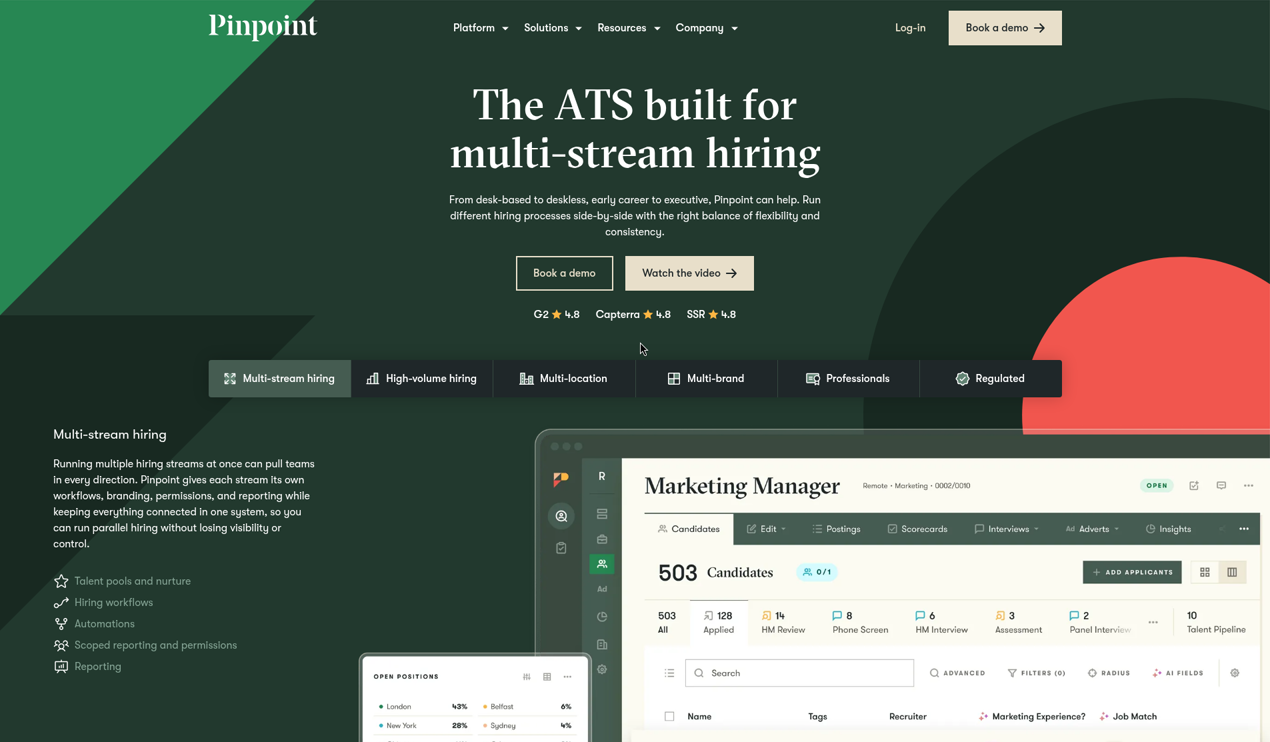
What to build: use-case pages split by the buyer's situation. Pinpoint is a good model. Its site organizes solutions by hiring type (high-volume, early careers, regulated, contingent and contract, global) and separately by industry, from healthcare to logistics. A TA leader at a hospital group and one at a VC-backed startup each find a page written for them.
Stage 3: Comparing names
This is the highest-intent stage. They have a shortlist and want to know how it stacks up.
What they search: "[product] vs [product]," "[product] alternatives," "[product] pricing," "[product] reviews."
What to build: comparison and alternatives pages, and a comparison hub. Pinpoint runs a "How we compare" page that collects its comparisons in one place. The structure is covered in the comparison pages guide. For recruiting software, make sure each page covers migration, because "what happens to our candidate data" is the question that stalls most switches.
Stage 4: Checking fit and cost
The shortlist is down to two or three, and now the details decide it.
What they search: "[product] Workday integration," "[product] SOC 2," "[product] price per seat," "[product] implementation time."
What to build: integration pages, security and compliance pages, and pricing content (more on pricing below). This is where HR ops arrives, so write these pages for a technical reader.
Stage 5: Asking an AI assistant
This now happens at every stage, not just one. A TA leader might ask ChatGPT for a shortlist at stage 2 and ask Gemini to compare two products at stage 3. We'll come back to this.
Pricing: the page recruiting buyers check hardest
In recruiting software, pricing models vary more than in most categories: per seat, per employee, per open job, per hire, or a flat platform fee. Buyers can't compare without help, so the pricing page does a lot of work.
Three real approaches show the range.
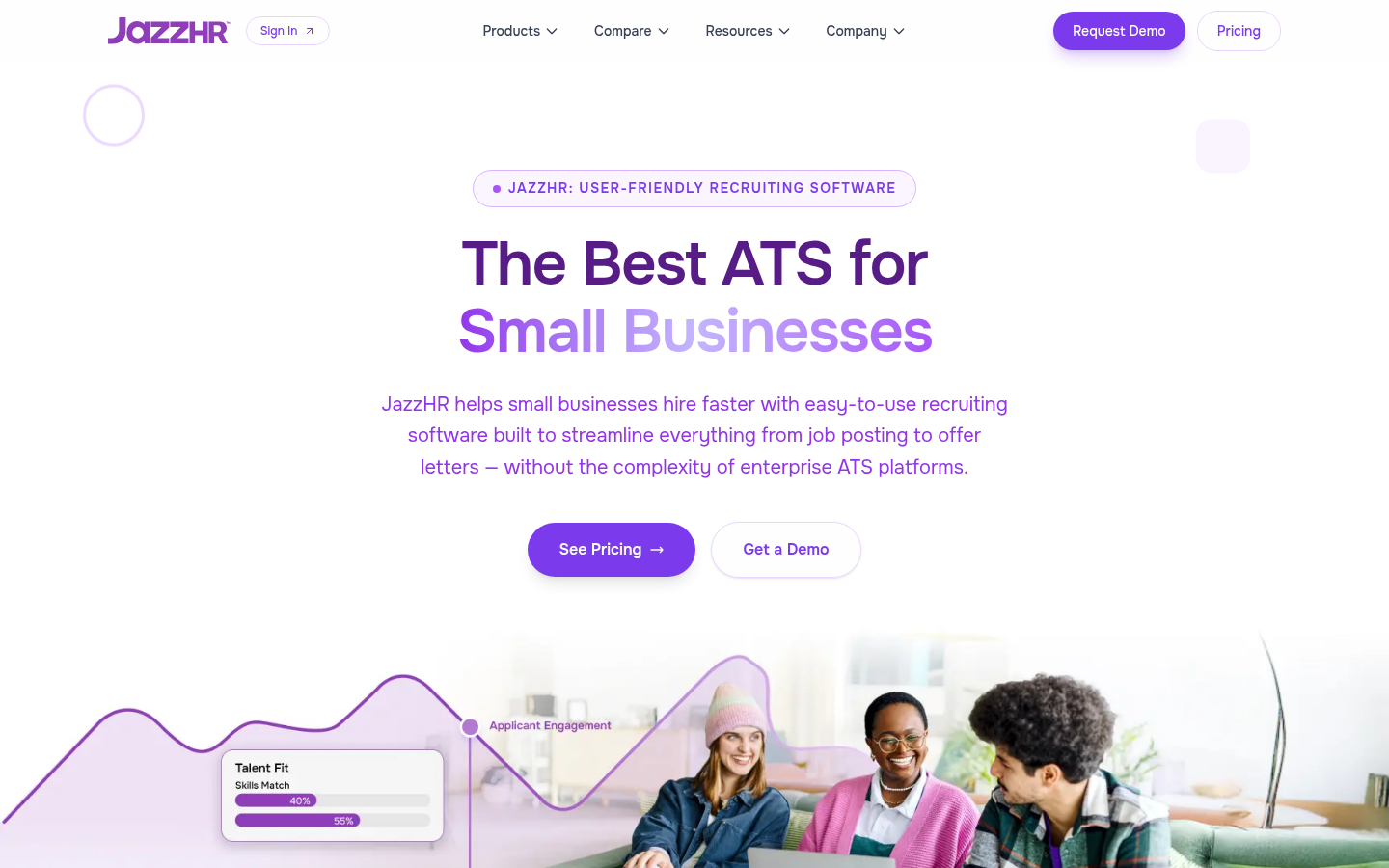
JazzHR publishes three annual prices on its pricing page: $1,000 a year for Hero, $3,480 for Plus and $5,508 for Pro, with yearly billing saving "up to 24%." It also says standard pricing doesn't apply to staffing or recruiting agencies, organizations with over 250 employees, and some other groups. That one footnote tells two entire buyer segments, agencies and mid-market employers, that this page isn't their price.
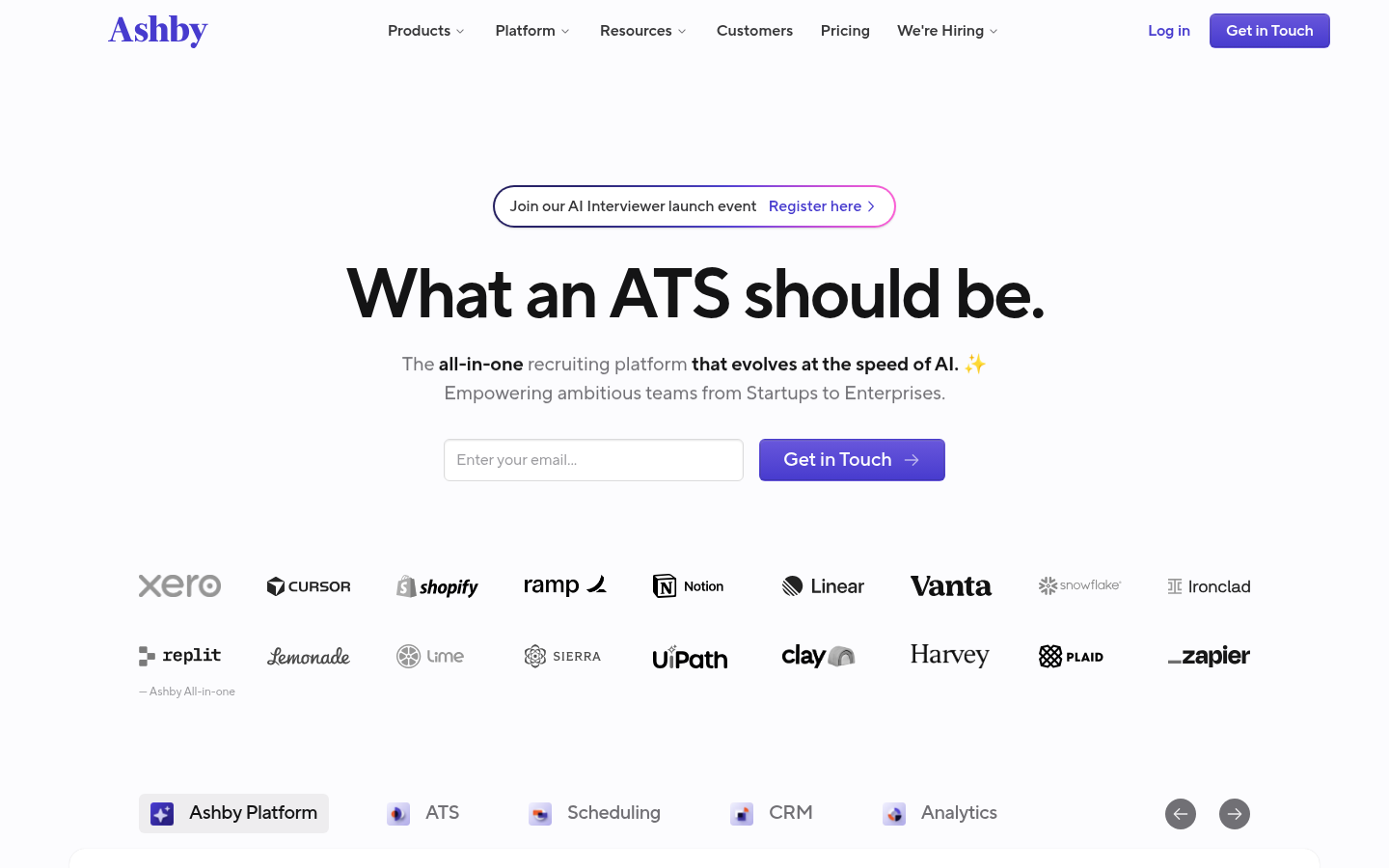
Ashby uses a calculator. Its Foundations plan, for companies up to 100 employees, shows a monthly total once you pick a company size and payment term, and the page mentions a 10% discount for annual commitments and emerging-market pricing. Larger plans are quote-based.
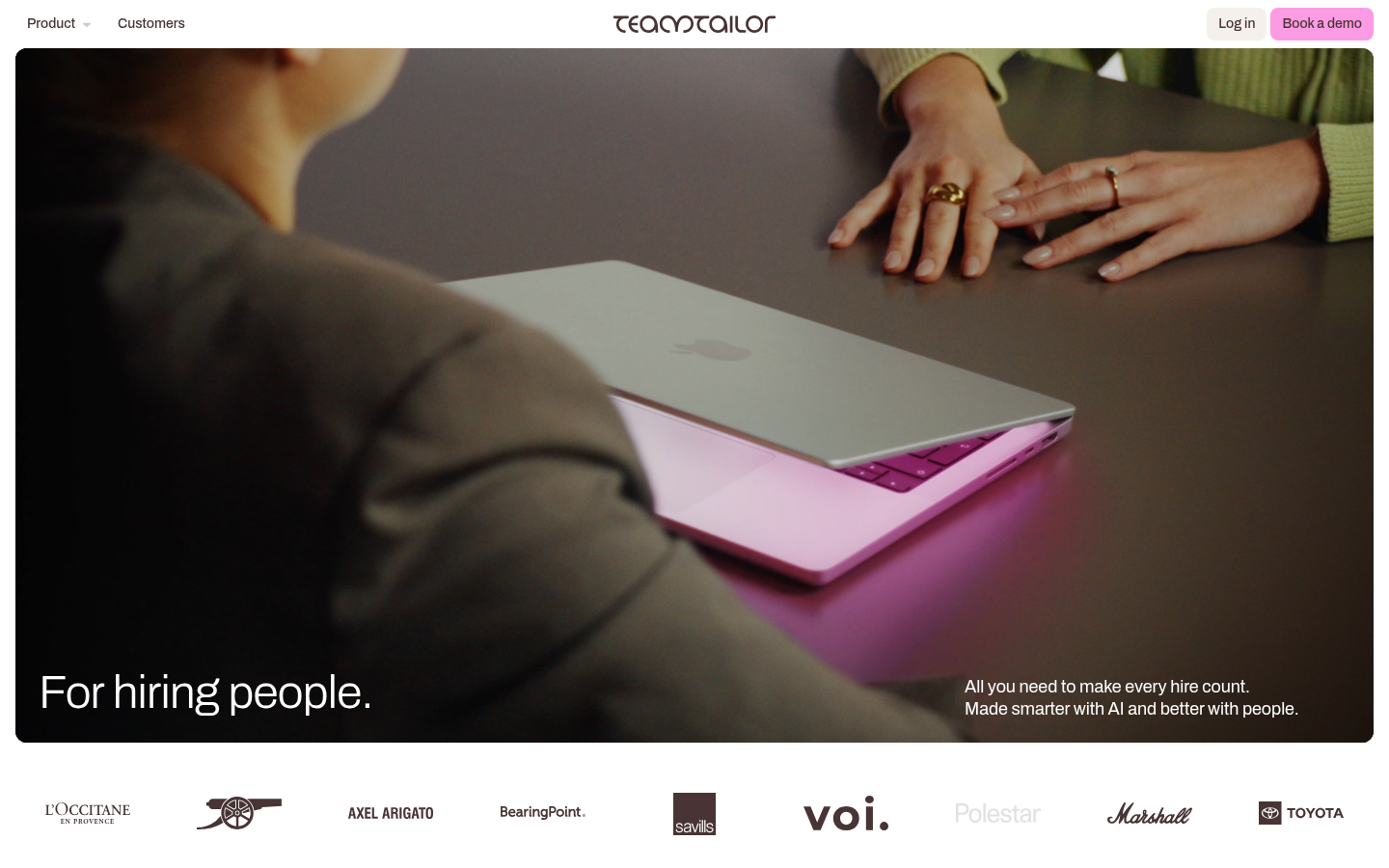
Teamtailor doesn't publish a number. Its pricing page asks you to request a quote, but it states what's included on every plan: unlimited job postings and unlimited users, support for all users, and integration with your existing HR stack.
Each approach can work. What doesn't work is a pricing page that gives buyers nothing at all, because they'll go and ask a review site or an AI assistant instead, and you won't control the answer.
Buyers have reason to dig. The same SHRM research found 46% of organizations ran into hidden costs after signing, and 25% felt their system ultimately wasn't worth the cost.
Pricing also follows buyers after they sign. In June 2026, one designer posted on X about moving ATS systems several times over the years and called "value-based pricing and contract expansion" the most annoying part of SaaS. Renewal pricing is part of the evaluation, even if no one asks about it in the first demo.
What to put on yours
The pricing model, explained in one sentence: what you charge by and why.
A real number or a range, even if large contracts are custom.
Which buyer segments the published price is for, and which ones need a quote.
What's included versus what's an add-on (sourcing credits, assessments, extra job board posts).
How renewals work, in plain terms.
Integration and compliance pages
Recruiting software sits between the career site, job boards, the HRIS and payroll. HR ops buyers search for those connections by name, so each connection that matters deserves its own page.
A useful integration page says what syncs and in which direction, how often, what doesn't sync, and who has to be involved in setup. A marketplace logo isn't enough. If a buyer has to book a call to learn whether offer data flows into Workday, you've added a week to the evaluation.
Compliance content works the same way. Buyers search for pay transparency rules, EEO reporting, data retention and, increasingly, rules on AI in hiring. These pages need a careful hand. Say what your product helps with, date the page, and have someone qualified review any statement of a legal requirement. Don't write a page that reads like legal advice.
Templates and tools: useful, with a catch
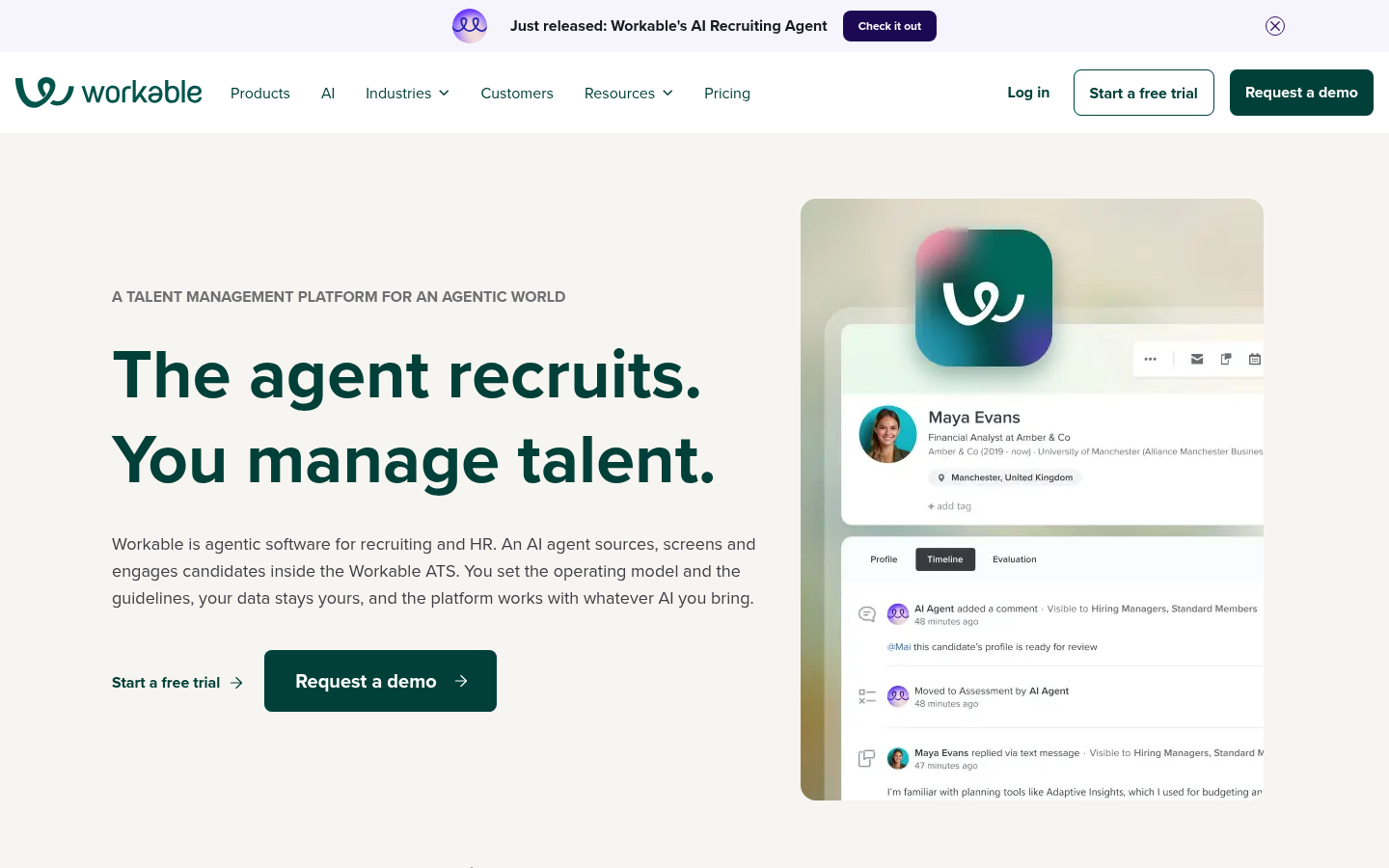
Some of the biggest traffic in this category comes from free resources. Workable's job description library, for example, advertises "1000+" job description examples and templates. Pages like that bring in hiring managers by the thousand.
They're worth building if you treat them as what they are: awareness for the people who influence the decision, not demand from the people who make it. Two things help:
link each template to the part of the product where it's used, so the next click is natural;
track template traffic separately from evaluation traffic, so your reports don't make a job description library look like a pipeline engine.
The catch is the job seeker overlap. "Software engineer job description" brings in employers. "Software engineer resume" brings in candidates. Keep your template program on the employer side unless candidates are your customers.
Agency software is a separate content plan
If you sell to recruitment and staffing agencies, don't reuse your corporate TA pages with the word "agency" swapped in.
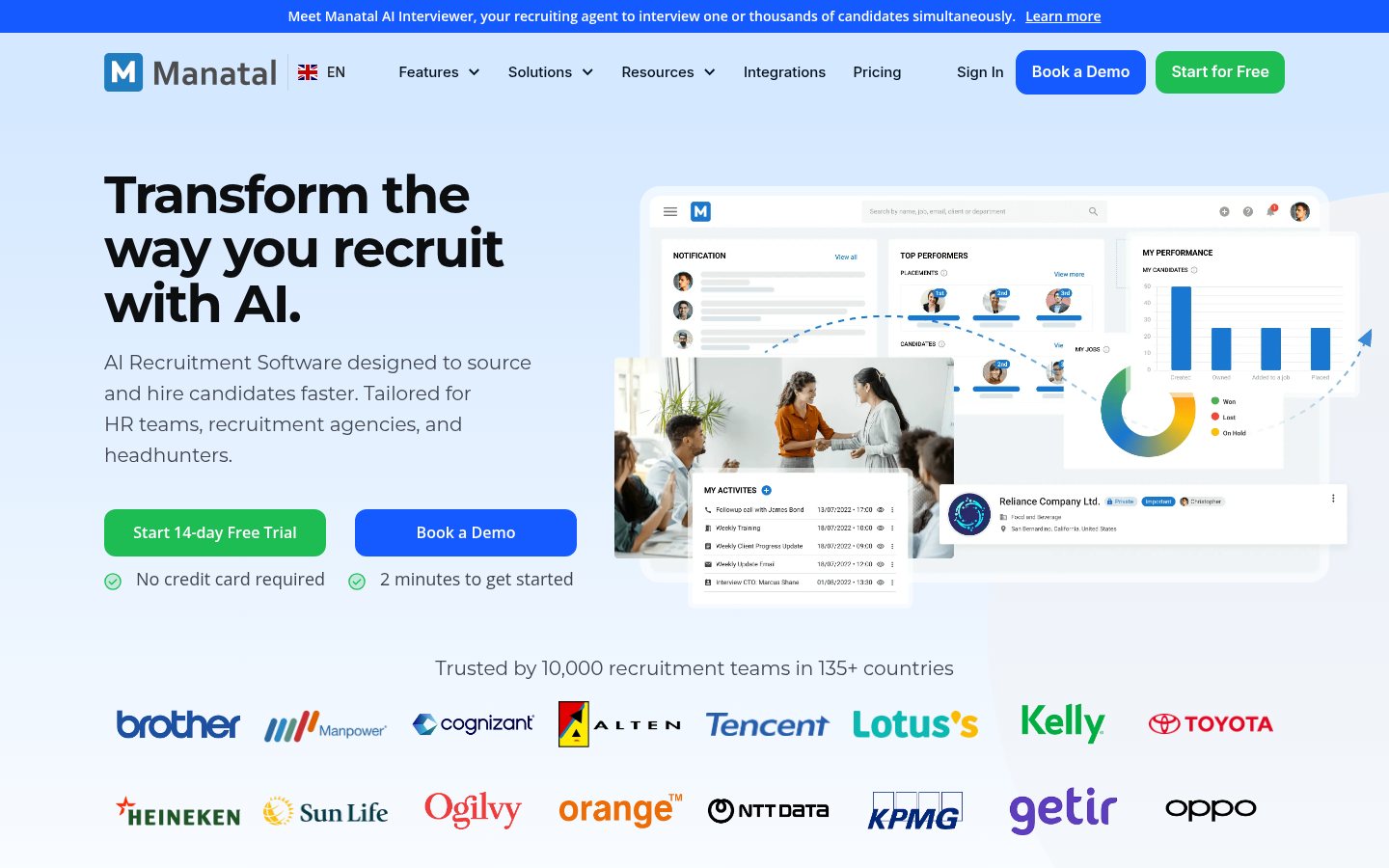
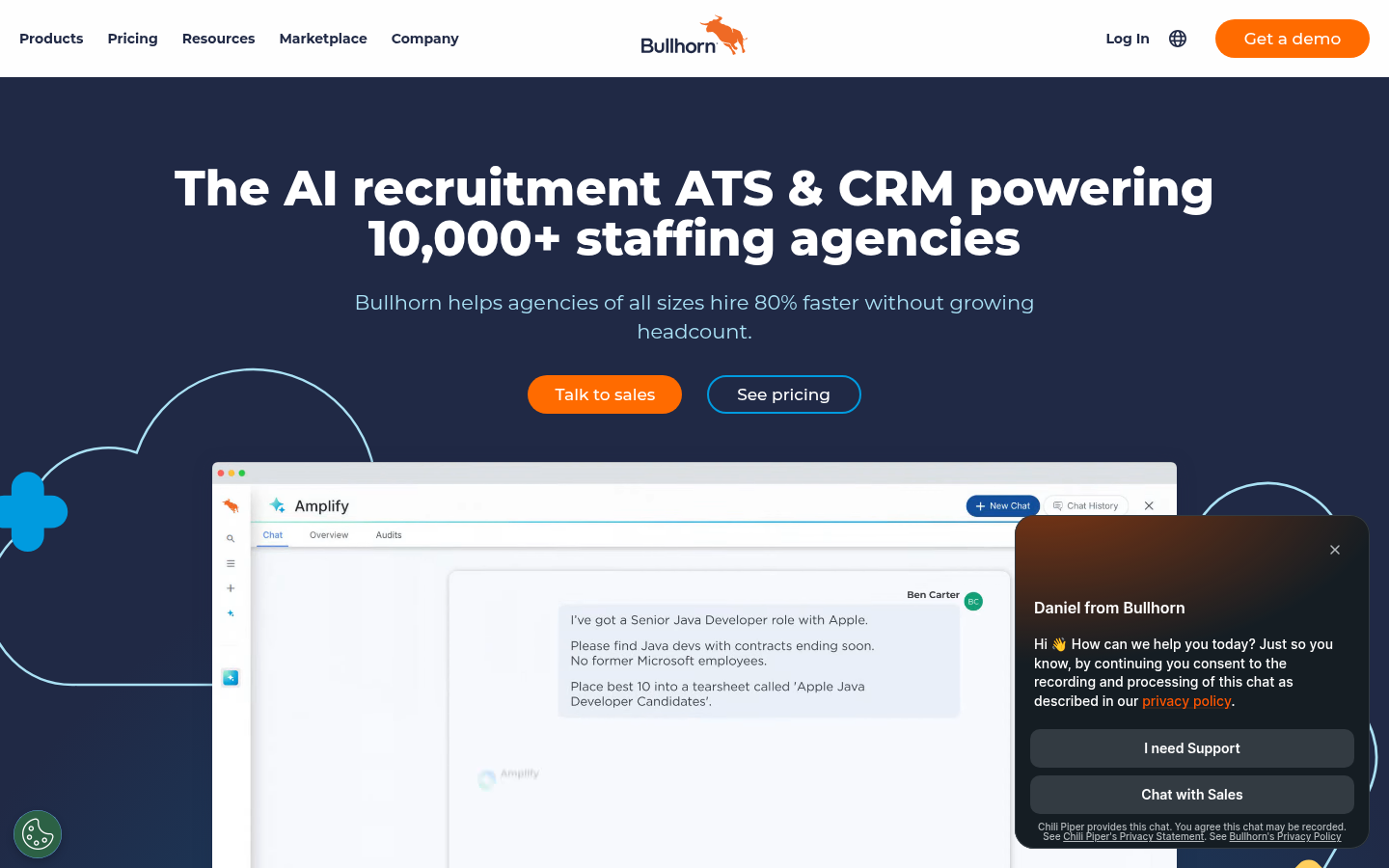
The vendors that serve both markets split them clearly. Manatal's site has one menu for recruitment agencies (executive search, staffing, recruitment and freelance recruiters) and a separate menu for companies by size. Bullhorn, which focuses on agencies, organizes by agency size and by the sectors agencies fill: professional, clerical and light industrial, healthcare and executive search.
Agency buyers care about different things:
client and placement management, not just candidate pipelines;
speed of setup, often without an IT team;
how pricing scales as recruiters are added;
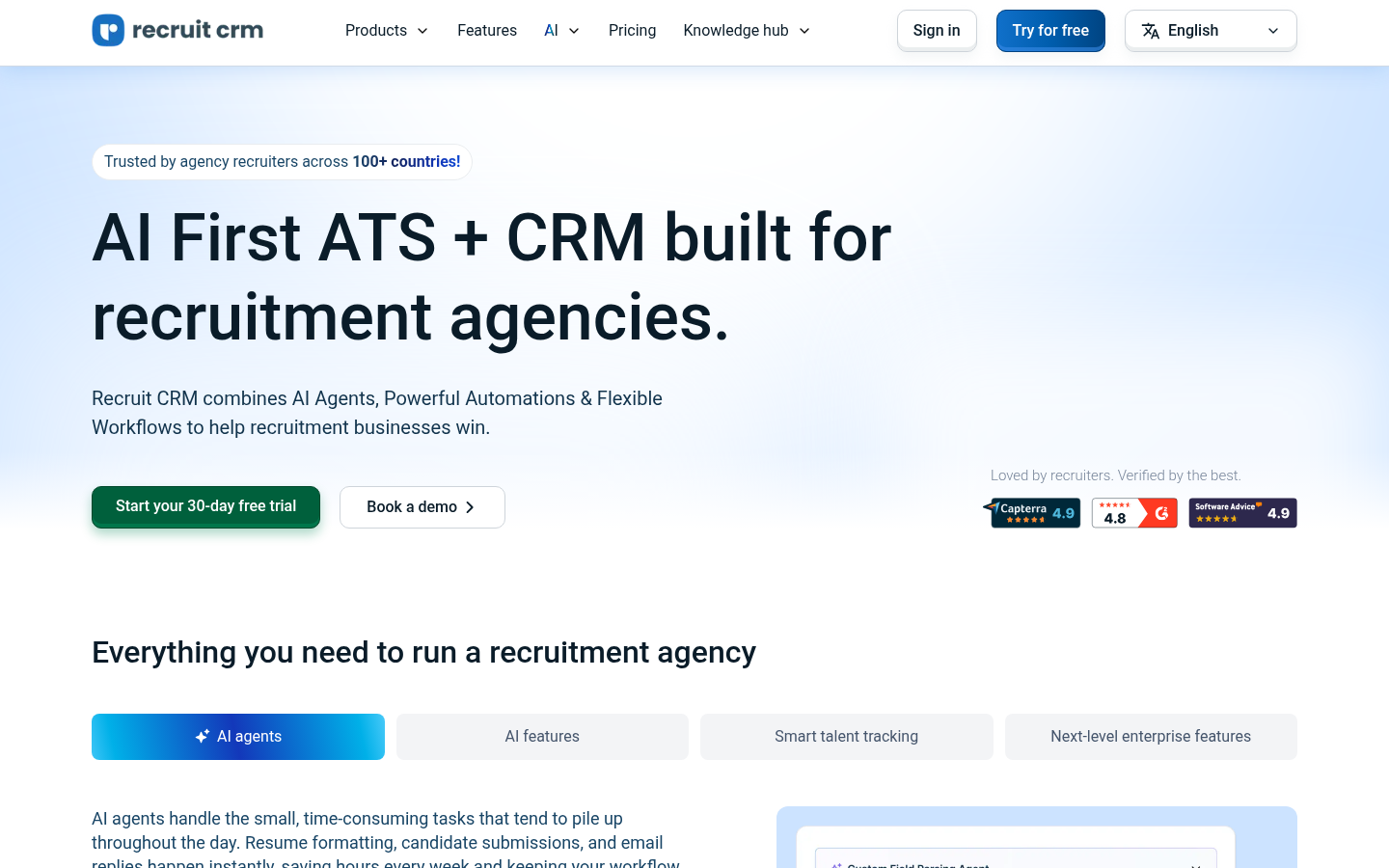
back-office work like timesheets and invoicing, which Recruit CRM, for example, lists alongside its ATS and CRM.
Write for those concerns, with examples from agencies, not from in-house TA teams.
AI assistants: what buyers ask, and how to be the answer
Recruiting buyers now ask assistants questions like:
"What's the best ATS for a 200-person company hiring mostly engineers?"
"Compare Ashby and Greenhouse for a Series B startup."
"Which recruiting software integrates with Rippling?"
"How much does an ATS cost for 50 employees?"
Assistants build those answers from pages that state facts plainly. A few things help you show up:
Put a direct, two- or three-sentence answer near the top of each comparison, integration and pricing page.
Use the same facts everywhere: your site, review profiles, partner marketplaces and directories. If your pricing page and your marketplace listing disagree, the answer will be muddled.
Publish the specifics assistants need to recommend you for a situation: company size you serve, industries, integrations, hiring types.
Some vendors go further and connect their product to assistants directly. Pinpoint lists MCP in its platform menu, and Recruit CRM describes an MCP connection that makes its data "work with Claude, ChatGPT, and more." That's a product feature, not a content tactic, but it's a sign of where buyer behavior is heading.
For the content side, the guide to getting recommended by ChatGPT goes deeper, and the explainer on answer engine optimization covers the basics.
What to watch out for
Programmatic pages that only swap a job title or city. A page for every role or location is easy to generate and easy for search engines to ignore when the content doesn't change.
Keyword reports dominated by "ATS" terms that are really job seeker queries.
Comparison pages that quote a competitor's price or feature set from two years ago.
Use-case pages that promise a fit for every industry without a single customer from it.
Compliance pages that state a legal requirement without a date or a reviewer.
AI-feature claims with no explanation of what the feature does, which buyers are increasingly skeptical of.
How to prioritize, by situation
You're early-stage with a narrow customer base
Build two or three comparison pages against the tools you lose to most, and one use-case page for the segment you already win. Skip the template library for now.
You sell to both employers and agencies
Split the site navigation and the content plan first. Everything else depends on buyers landing on the right side.
Your traffic is high but demos are flat
Check how much of that traffic is job seekers and template users. Move effort to comparison, integration and pricing pages.
HR ops keeps stalling your deals
Build detailed integration pages for the three HRIS systems your buyers mention most, plus a security page that answers SSO, SCIM and data retention questions.
You're invisible in AI answers
Add direct answers to your comparison and pricing pages, and line up your facts across every profile.
You're bringing in an outside team
Ask which buyer group each proposed page is for, how they'll separate job seeker traffic in reporting, and who reviews compliance claims. Miraa's page on recruiting SEO describes one version of that engagement, and the B2B SaaS SEO guide covers the wider strategy.
FAQ
What do recruiting software buyers search for?
It depends on the role and stage. TA leaders search category and comparison terms, HR ops search integrations and security, hiring managers search templates, and agency owners search for agency-specific ATS and CRM tools.
Should an ATS company target "ATS" keywords?
Carefully. Many "ATS" searches come from job seekers trying to get past applicant tracking systems. Target terms that include buyer context, like "ATS for startups" or "[competitor] alternative."
Do recruiting software companies need to publish pricing?
Not always, but they need to give buyers something: the pricing model, a range, and what's included. Otherwise buyers will rely on third parties.
Are job description templates worth creating?
Yes, for awareness among hiring managers, as long as you measure them separately from pages that drive evaluations.
How do I get my recruiting software recommended by AI assistants?
Answer common buyer questions directly on your key pages, keep facts consistent across your site and profiles, and publish the specifics, such as company size, industries and integrations, that an assistant needs to match you to a buyer.