
Last updated: October 23, 2026
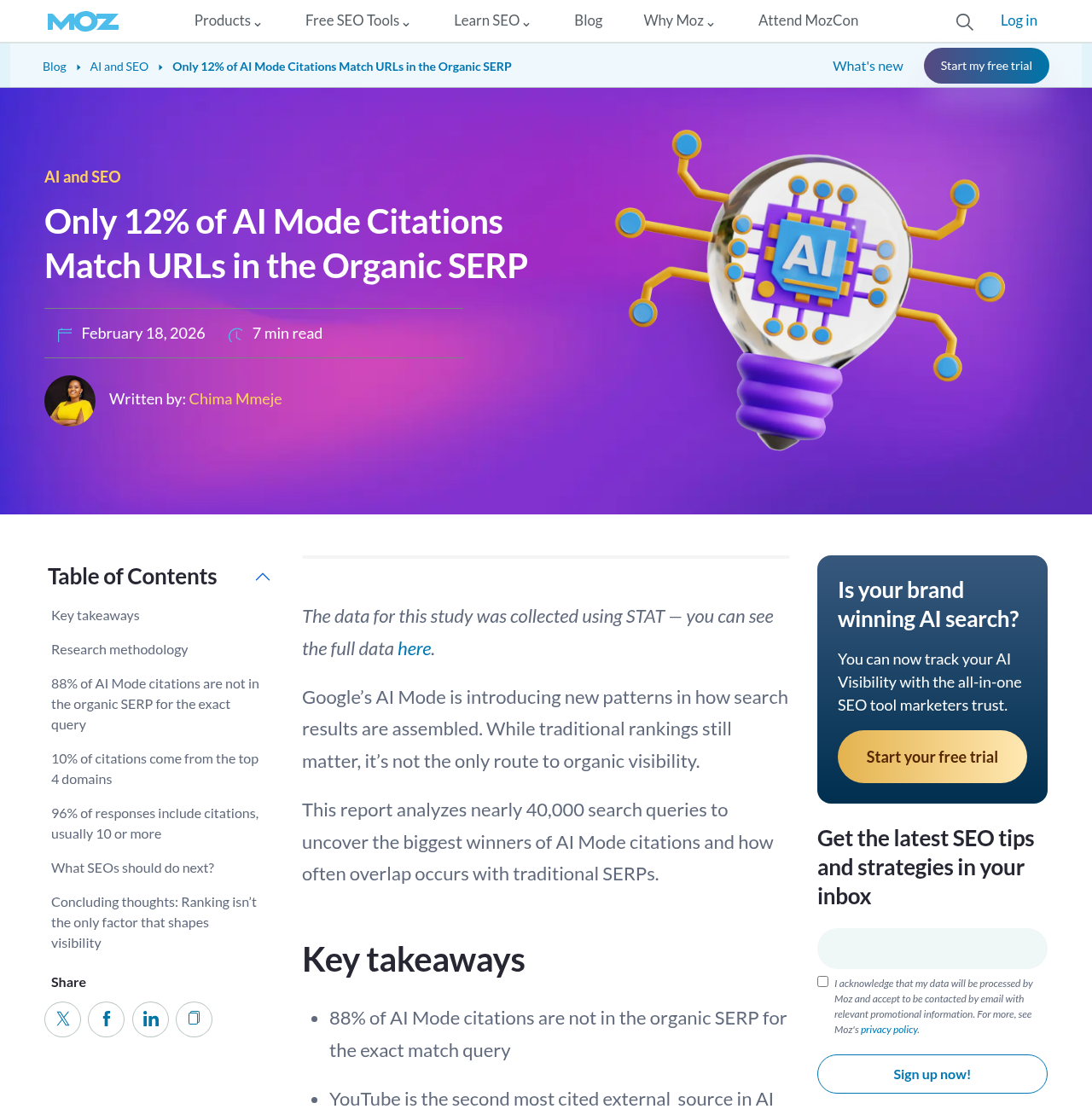
In a February 2026 study of nearly 40,000 US and UK searches, 88% of the citations in Google's AI Mode didn't appear in the organic results for the exact query. Ranking for the exact query rarely earns you the citation on its own.
So if your product shows up in AI Overviews, don't assume you're covered in AI Mode. The two features can use different models and build their answers differently. My view after reading Google's own docs: you don't need a separate "AI Mode SEO" program. You need pages that answer each piece of a buying question clearly, because AI Mode breaks the question into pieces and looks for the best page for each one.
This guide covers AI Mode only. You'll see how it builds an answer, how to map the hidden searches behind one buying question, how to write pages it can quote and how to check progress without a big budget. If you're short on time, skip to the last section, which sorts the advice by where your site stands today.
AI Mode answers more questions than the one your buyer typed
Google describes AI Mode as the place for exploration, reasoning and complex comparisons. Under the hood, the AI Mode help page says it divides a question into subtopics and searches for each one at the same time. Google calls this "query fan-out," and its AI features documentation confirms both AI Overviews and AI Mode may use it, issuing related searches "across subtopics and data sources" before writing a response.
Three details matter for anyone trying to earn a citation:
The searches run against Google's normal index. Google's own optimization guide says its generative features rely on core ranking systems to retrieve pages (it calls this grounding), then add links to the pages that support the answer.
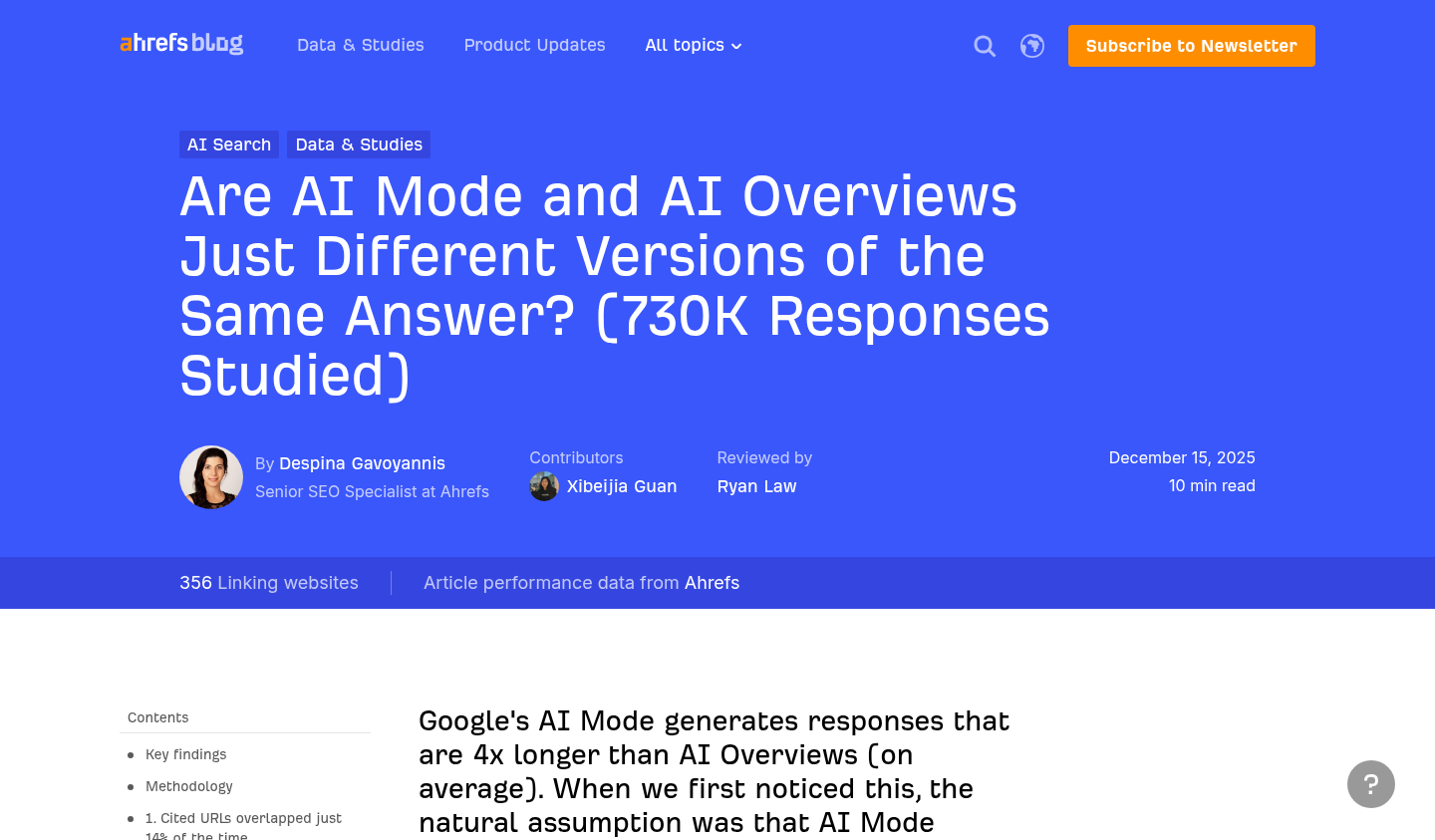
AI Mode and AI Overviews may use different models and techniques, so Google itself says the responses and links "will vary." You can see it in the data: a December 2025 Ahrefs study of 540,000 US query pairs found the two features cited the same URLs only 13.7% of the time for the same query, even when their answers said much the same thing. Its data was collected in September 2025, so treat the exact number as a snapshot.
Users can keep asking. Every follow-up starts a fresh round of retrieval, which gives your site another chance to be cited, or to be skipped.
Eligibility is plainer than most AI advice suggests. A page needs to be indexed and eligible to show with a snippet, and per Google there are "no additional technical requirements." The site also has to be included in Search generative AI features in Search Console. Include is the default setting, and the control has been available to every site since August 31, 2026.
At Search Central Live in Barcelona this month, Google's Gary Illyes made the same point from the stage, according to a recap posted on X on October 14 by a freelance SEO consultant who attended: AI Overviews and AI Mode use the same crawl and index as Search, and what changes is how results are served. The consultant sells SEO services, so treat it as a recap, not a transcript, but it matches Google's written docs.
What changed on October 15
Google announced a batch of AI Mode and AI Overviews changes in a post on October 15, 2026. The ones that matter for B2B sites:
Inline links (links attached to words or phrases inside the answer) now show higher up in responses and more often.
Google is testing a dedicated section at the top of a response for the "one or two official places" to complete a task, with a line on why each link is useful.
Links to related articles are getting more prominent placement.
The official-site test is the one to watch. When a buyer asks how to cancel a subscription, find an API key or read a security whitepaper, Google wants to point at the vendor's own page. If that page is thin, hard to find or blocked from snippets, a third-party help forum gets the slot instead.
Map the fan-out behind one buying question
Google doesn't show you the fan-out queries for a given answer. You can still predict most of them, because B2B buying questions break apart in the same few places.
Take a prompt like "best SOC 2 compliance automation for a 50-person SaaS startup." An answer worth giving needs at least these sub-answers:
Likely sub-question | What the answer needs | Where it should live on your site |
|---|---|---|
Which tools fit a team that size? | Who the product is built for, with a company-size range | Product page or solutions page, near the top |
What does it cost at 50 employees? | Starting price, what drives the price up, contract terms | Pricing page, as text or an HTML table |
Does it connect to our cloud and HR stack? | Named integrations, with limits | Integrations page, one section per major platform |
How long until the audit? | A realistic timeline with the steps | Implementation or onboarding page |
What are the alternatives? | An honest comparison on stated criteria | One comparison page for the category |
These rows are illustrative. Run the same exercise on your own top five buyer questions and you'll see the pattern: pricing, integrations, compliance or security, implementation, and alternatives come up again and again.
Each sub-question should be owned by a section on a page you already need, not by a new page built only to catch one fan-out query. Google's optimization guide says creating separate content for fan-out queries primarily to manipulate rankings or AI responses violates the scaled content abuse policy, and calls it "an ineffective long-term strategy."
A quick test for whether a page should exist: would a buyer bookmark it or send it to a colleague? A pricing page passes. A page titled "SOC 2 tool pricing for 50-person startups in fintech" that repeats the pricing page with a new heading doesn't.
Write sections a reader can use without the rest of the page
You'll see advice to "chunk" content into tiny blocks for AI. Google's guide lists chunking under things you don't need to do, because its systems can find the relevant part of a long page. So don't chop pages apart.
What does help is writing each section so someone who lands in the middle of the page still gets a complete answer. That's good for the buyer skimming your pricing page, and it happens to make the passage easy for AI Mode to quote.
Put the answer in the first sentence under the heading. "Plans start at $400 a month for up to 25 employees" beats two paragraphs of positioning before the number.
Name the subject. Write "Acme Audit connects to AWS, GCP and Azure," not "It connects to all major clouds." A passage pulled out of context loses whatever "it" pointed to.
Use HTML tables for anything with rows: plans and limits, integration support levels, supported frameworks, data residency regions.
State limits plainly. "No on-premise option" or "Okta sync is one-way" reads as trustworthy to a buyer, and an answer engine looking for a fair comparison can use it.
Date anything that changes. "Pricing as of October 2026" tells both readers and Google how fresh the number is.
Google's guide pushes "non-commodity" content hardest: first-hand experience and a point of view that a summary of other pages couldn't produce. For a SaaS company that usually means implementation data from your own customers, real benchmark numbers, honest notes on which customers churn and why, or a teardown of how your category actually gets bought. That material is hard to copy, which is exactly why it gets cited.
A technical check that catches B2B sites
Because a page has to be eligible for a snippet, any nosnippet, data-nosnippet or max-snippet rule limits what AI features can show. Google lists those controls in its AI features doc as the way to restrict what appears.
Legal and security teams sometimes add these to pricing, trust center or documentation pages without telling marketing. Check the pages you most want cited. Also check that key facts aren't trapped in images, PDFs behind forms, or tabs that only load after a click, since Google can process JavaScript but its guide notes JavaScript-heavy sites are "generally more complex" to get right.
Plan for the second and third question
AI Mode is built for follow-ups. A buyer who asked for the best tools might type "which of those works with Workday?" next, then "how long does setup take?"
Search Console's documentation on how impressions, position and clicks are counted treats each follow-up as a new query, with its own impressions and clicks. In practice, that means the follow-up is a separate retrieval with its own winners.
To be cited across a whole conversation, think about where the buyer goes next, not just where they start:
After "best tools for X," the next question is usually about fit: integrations, team size, industry, compliance.
After fit comes risk: migration effort, data export, contract length, security review.
After risk comes cost: total price at their size, implementation fees, what triggers an upgrade.
Pick your three most valuable starting questions and write out the likely next two for each. Then check whether your site answers each one in a section a stranger could find and quote. The gaps are usually in risk content: migration guides, security FAQs and contract terms that live in sales decks instead of on the site.
Structured data is optional here. Google says no special schema is needed for its AI features, though it still helps with rich result eligibility. If you want the details, our guide to schema markup for AI search separates what helps from what's noise.
What won't move AI Mode
A lot of "AI Mode SEO" advice circulating this year is either unproven or contradicted by Google directly. Skip these:
Creating an llms.txt file for Google. Google's guide says Google Search ignores it. Our post on llms.txt covers where it might matter for other systems.
Rewriting pages in a special "AI style." Google says its systems understand synonyms and intent without that.
Buying or seeding mentions. Google says seeking inauthentic mentions "isn't as helpful as it might seem," and its spam systems feed the same AI features.
Spinning up one page per fan-out query, as covered above.
Treating "leaked AI Mode system prompts" as a playbook. One post on X in early July, from an operator who runs his own SEO businesses, claimed to share an extracted AI Mode prompt and drew about 35,000 views. Google hasn't confirmed it, and a prompt wouldn't tell you how retrieval ranks pages anyway.
Paying for a tool that claims "internal" Google data. Google's guide says no third-party tool has access to its internal ranking or AI systems.
None of this means AI Mode is the same as classic SEO in every outcome. The overlap figures above show it often cites different pages. But the inputs Google rewards are the familiar ones: a crawlable, indexable site, pages people find useful, and content that says something other pages don't.
How AI Mode work differs from ChatGPT work
If you've read our guide on how to get recommended by ChatGPT, some of this will feel familiar, but the levers differ. ChatGPT work leans on third-party lists, review sites and OpenAI's own crawlers. AI Mode work leans on Google's index, Google's eligibility rules and Google's spam policies, with the fan-out map above as the planning tool.
The practical upshot: an AI Mode program is mostly site work you control. A ChatGPT program is mostly off-site work you influence. Most B2B teams need both, and our pillar on answer engine optimization lays out how they fit together. For the broader comparison with traditional search, see AEO vs SEO.
Check progress with a small, fixed prompt panel
You don't need a big measurement program to know whether this is working. Two lightweight checks are enough to start.
First, open the Generative AI performance report in Search Console. It shows impressions from AI Overviews and AI Mode by page, country, device and date. It doesn't split AI Mode from AI Overviews and it doesn't show queries, but it will tell you whether the pages you rewrote are appearing more often in Google's AI features.
Second, keep a fixed panel of 15 to 25 buyer questions and run them in AI Mode once a month. Use the same wording each time, run a couple of the follow-ups too, and log three things for each: whether you're cited, which page is cited, and who's cited instead. Answers vary between runs, so look at the trend across months, not any single answer.
That's deliberately light. If you want the full method, including prompt sets, sampling and accuracy scoring, read how to measure AI search visibility. If you're comparing software to automate the panel, see our roundup of AI visibility tracking tools.
What to watch out for when you read the results:
A cited page that isn't the one you'd choose. If AI Mode keeps citing an old blog post instead of your pricing page, the pricing page probably isn't answering the sub-question clearly.
Competitors cited for facts about your product. That usually means your own page is missing the fact, or burying it.
Sudden drops after you add snippet controls or move content behind a login.
Where to start this month
If you only do three things before the end of the quarter, make them these:
Map the fan-out for your three most valuable buying questions, using the table format above.
Fix the owner sections on pages you already have, starting with pricing, integrations and security, and remove any snippet restrictions you didn't mean to set.
Set up the prompt panel and pull a baseline from the Generative AI performance report, so next month's numbers mean something.
What comes after that depends on where you stand:
If you already show up in AI Overviews but rarely in AI Mode, go deeper rather than wider. Your pages cover the short answer. AI Mode is asking the follow-ups about integrations, migration and contract terms, so fill those sections first.
If you show up in neither, check eligibility before you write anything. Confirm the pages are indexed, have no snippet restrictions you didn't intend, and that the site is set to Include in Search Console.
If you sell a developer or security product, start with docs and trust pages. These are the "official place" pages Google's October test is built to surface, and they're often the ones legal teams lock down.
If you have a small team and a short list of pages, don't build anything new. Rewrite the first sentence of each section on pricing, integrations and security so it answers the question in its heading, then rerun your prompt panel next month.
I'd expect most B2B SaaS sites to land in the first group. They rank and get some AI Overview links, but their pages are thinnest on the narrow follow-up questions AI Mode goes looking for.